Your field technicians shouldn't feel like they're fighting a losing battle against lost clipboards and messy handwriting. If your operations rely on a "hope and pray" method involving manual spreadsheets and frantic phone calls, you aren't just losing time- you're losing revenue. Transitioning to a dedicated work order app is the single most effective way to regain control over your team's daily output.
A robust work order app doesn't just digitize your tasks; it transforms your entire operational workflow, bridging the gap between the back office and the field.
Why Your Business Needs a Work Order App
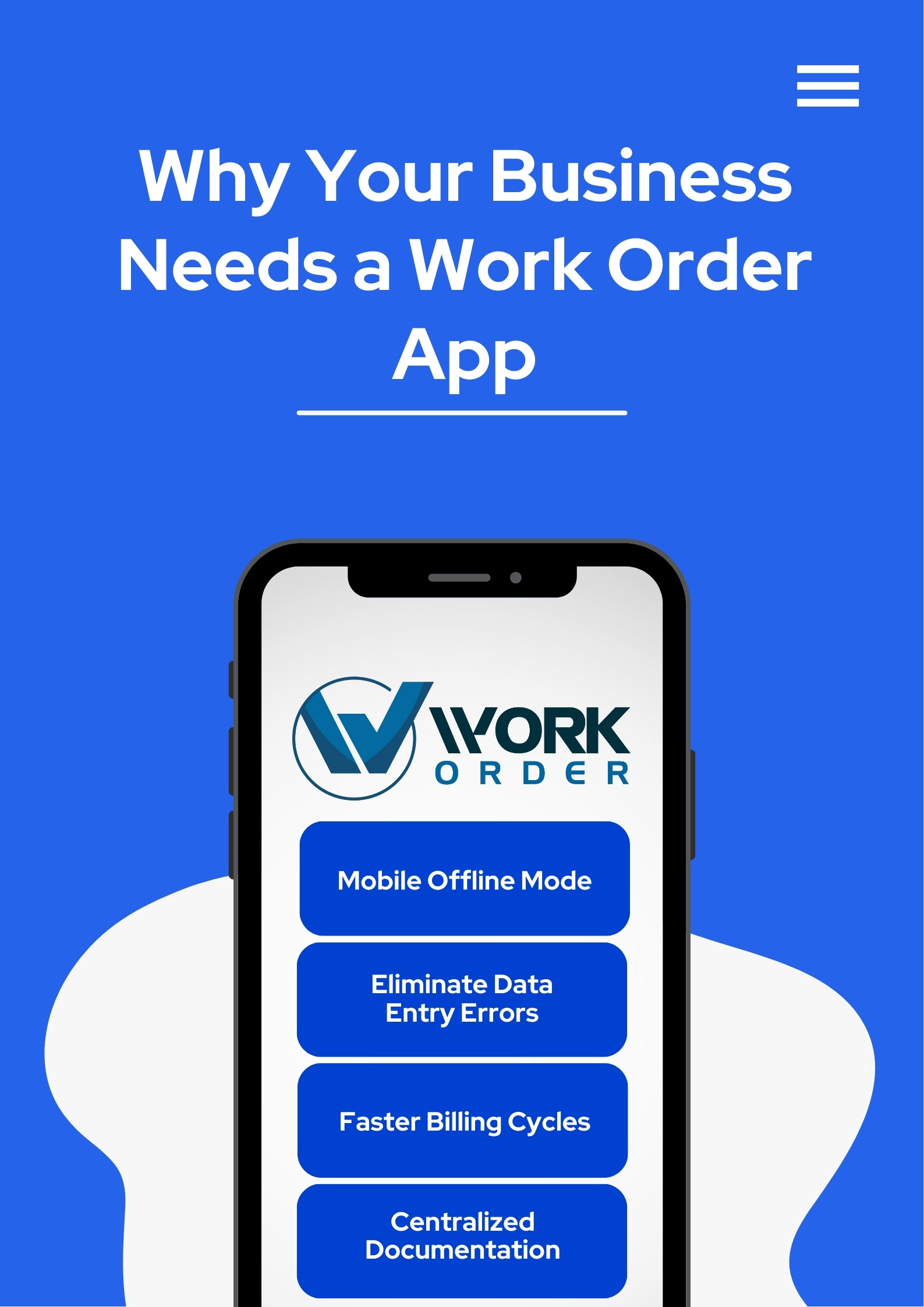 Efficiency is the heartbeat of a profitable service business. Here is how a mobile-first solution changes the game:
- Real-Time Communication: Dispatchers can push updates instantly, and field techs can provide status reports the moment a job is finished.
- Eliminate Data Entry Errors: Manual entry is prone to mistakes. An app allows for photo captures, barcode scanning, and digital signatures.
- Faster Billing Cycles: When a work order is completed and signed in the app, the invoice can be generated immediately, significantly improving cash flow.
- Centralized Documentation: Keep equipment history, manuals, and customer notes in one place, accessible from any smartphone or tablet.
Discover our Work Order System
Explore our platform
Essential Features for Maximum Efficiency
Not all apps are created equal. When evaluating a work order app for your software suite, look for these specific capabilities that move the needle:Mobile Offline Mode: Your team shouldn't stop working just because they're in a basement or a remote area. Look for an app that syncs data once a connection is restored.
GPS Tracking & Smart Mapping: Reduce fuel costs and "windshield time" by optimizing routes and seeing exactly where your techs are in real-time.
Photo & File Attachments: A picture is worth a thousand words- and potentially thousands of dollars in liability protection. Document "before and after" conditions instantly.
Automated Customer Notifications: Improve your professional image by sending automated SMS or email alerts when a technician is on the way.
Comprehensive Asset Management: Track the full maintenance lifecycle of specific equipment, making it easy to spot recurring issues and suggest replacements.
Built for the Field: Who is This App For?
One of the greatest strengths of a high-quality work order app is its adaptability. It isn't just for one type of repairman. It's a universal tool for service excellence:Facilities Management: Schedule preventative maintenance for HVAC, plumbing, and electrical systems across multiple properties.
Property Management: Allow tenants to submit repair requests that go directly to your maintenance team's mobile devices.
Field Service Providers: From landscaping to pest control, track chemical usage, job duration, and technician location.
Manufacturing: Manage internal equipment repairs and reduce downtime by alerting mechanics the moment a machine goes offline.
Discover our Work Order System
Explore our platform
The Real ROI: How Much Are You Saving?
Switching to a digital system is an investment, but the return is often realized within the first few months. By reducing the time spent on administrative "double-entry" (moving info from paper to a computer), most companies see a 20-30% increase in technician productivity.Furthermore, by capturing every billable minute and every part used on a job site, you eliminate "revenue leakage"- those small items that used to be forgotten on paper forms but now get added to the invoice with a single tap.
How a Work Order App Streamlines Maintenance
The workflow follows a predictable, optimized path designed to eliminate friction:Request & Intake: A customer or staff member submits a request via a dedicated portal.
Scheduling & Dispatch: Managers view technician availability on a drag-and-drop calendar and assign the task.
Execution: The technician receives a push notification, views the job details, and navigates to the site.
Completion: The tech logs parts used, takes photos, and captures a digital signature on their device.
Reporting: Management analyzes KPIs like Mean Time to Repair (MTTR) to find and fix bottlenecks.
Choosing the Right Software
The best work order app is the one your team actually enjoys using. It should be intuitive enough for a "non-techy" veteran but powerful enough to provide the granular data your accountants crave.By integrating a mobile work order solution into your workflow, you aren't just "getting an app"- you're building a scalable foundation for your business's growth.
Discover our Work Order System
Explore our platform